 Alberta
Web app
Stake App Canada: Web App For Android And iOS In Alberta 2026
The Stake app Canada runs under the AGLC registration of Stake Canada Ltd. (No. 121902). Players place bets with standard Canadian dollars directly on the mobile device, and the app features casino games and major sports markets every day. It runs directly inside the phone browser without a complicated setup: the web app is installed from the browser; it is not listed in the App Store or Google Play. Add this web application to the home screen to place sports bets — open to adults 18+ physically in Alberta.
Checked on
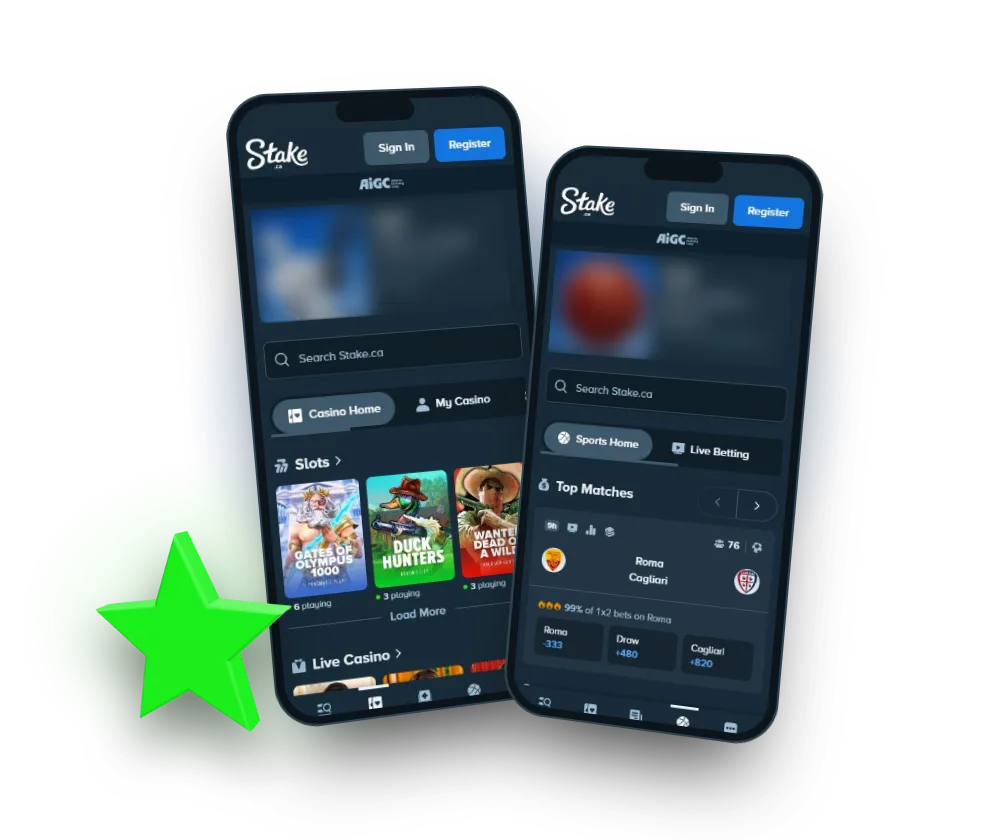
Stake App Specs
The Stake app Alberta delivers fast performance across modern smartphones. Check these essential details before adding the application.
| Specification | Details |
|---|---|
| Type | Web app (PWA) |
| Registration | AGLC Registration No. 121902; conducted and managed by the Alberta iGaming Corporation (AiGC) |
| Operator | Stake Canada Ltd. |
| Supported OS | Android (Chrome) and iOS (Safari on iPhone and iPad) |
| Market opened | Alberta's regulated iGaming market opened on 13 July 2026 |
| Price | Free of charge |
| Where to install | Website via browser |
| Languages | English |
| Available in | Alberta, 18+, location access required |
| Customer support | 24/7 live chat and support-ab@stake.ca |
The legal background is on the Alberta online gambling rules page.
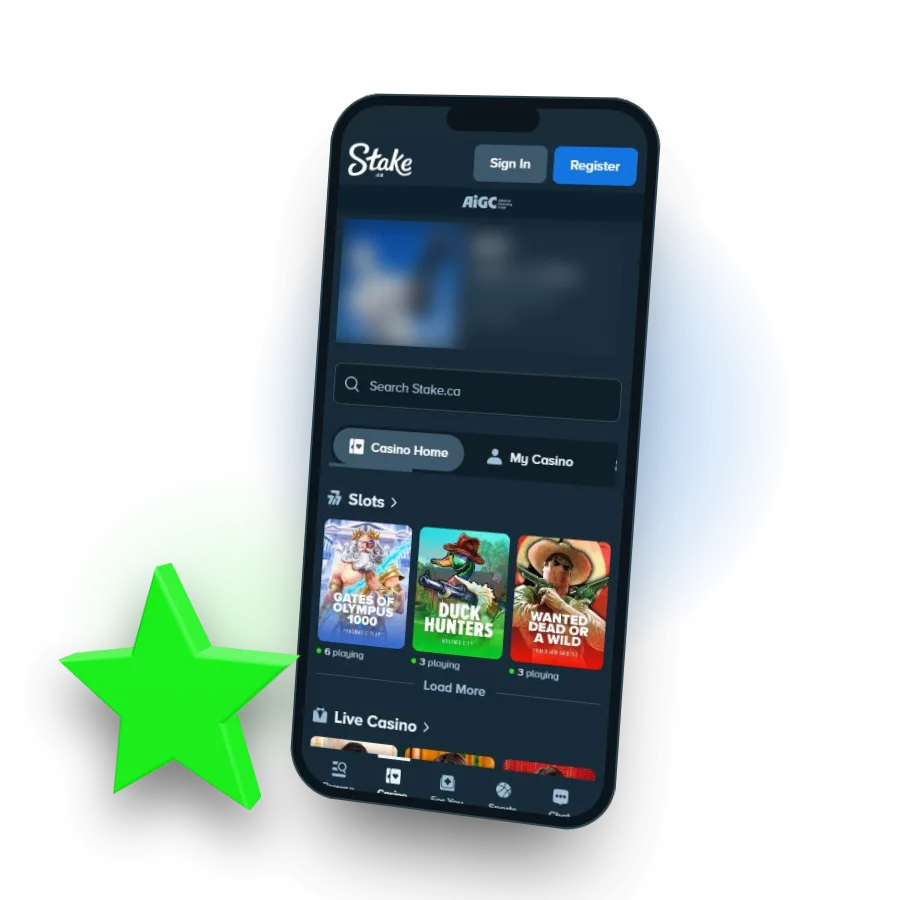
Stake Alberta App Interface
Same lobby, same cashier, same account settings as the mobile site — packed into one icon. The bottom bar switches between Browse, Casino, Bet Slip, Sports and Chat.
Stake Mobile App Features And Limitations
The main features and limitations of the mobile app at a glance.
| Feature | Detail |
|---|---|
| Layout | Mobile buttons and a bottom navigation bar sized for small screens |
| Theme | Dark interface |
| Storage | Web format with no app package to download |
| Launch | One tap on the home screen icon, standalone window |
| Sign-in | Password, 6-digit 2FA code or passkey (fingerprint, face recognition, PIN) |
| Content | Casino, live casino, Burst Games, sportsbook |
| Limits | Deposit, loss, wager and session time |
Limitations come from the web format and Alberta rules.
- Requires a steady internet connection always;
- The web app is installed from the browser, not from the App Store or Google Play;
- Strict geolocation blocks play outside Alberta borders;
- English only.
What Players Can Do In The Stake App
The mobile application lets players control the entire account directly from the pocket anywhere in Alberta.
- Place a quick bet on a hockey team;
- Watch live match numbers change on the screen;
- Add Canadian dollars securely through the cashier menu;
- Set strict personal deposit, loss, wager and session limits;
- Contact real human support agents in 24/7 live chat;
- Browse 24 sports and 3 esports.
Stake For Android: Requirements And Install Source
The Stake app download Canada process works directly through the mobile browser. Players save a web shortcut to the home screen from Chrome on ab.stake.ca.
Two traps catch most installs: hunting in an app store and a blocked browser permission. Each takes a minute to fix.
| Mistake | Consequence | Fix |
|---|---|---|
| Searching the App Store or Google Play | No Alberta listing turns up | Install the web app from Chrome or Safari on ab.stake.ca |
| Downloading an APK from a third-party site | The file doesn't come from Stake Canada Ltd. | Use the Chrome menu: Add to Home screen or Install app |
| Installing from a private browsing tab | The add option may be missing | Open ab.stake.ca in a regular tab |
| Location permission declined | Play is unavailable | Allow location access for the site in the browser settings |
| Stale pages after an update | Old layout or outdated content | Clear the site data in the browser and reopen the icon |
Android System Requirements
A web app needs a browser and a connection rather than a set amount of storage.
| Feature | Details |
|---|---|
| App title | Stake |
| Browser | Chrome |
| Display | Standalone window |
| Connection | Internet connection |
| Location | Location services on, access allowed for the site |
Compatible Android Devices
The web application works on modern Android phones and tablets across the entire province that run Chrome. Any phone runs the application fine if it meets the basic rules above.
How To Install The Stake App On Android (Chrome)
The web app is installed from the browser; it is not listed in the App Store or Google Play. Players use the Chrome browser to create a Stake app Android shortcut instead. The website provides a secure connection directly to the home screen of the phone.
- Open ab.stake.ca in Chrome.
- Tap the three-dot menu.
- Choose Add to Home screen or Install app.
- Confirm the name.
- Open the new icon and sign in.
Open the Chrome browser on the phone
Type ab.stake.ca into the address bar. Press the enter button to load the main page. Wait for the site to finish loading completely. The screen shows the standard casino lobby.
Tap the three dots in the upper right corner of the screen
This action opens the main browser menu. Scroll down this list carefully. Select Add to Home screen or Install app, depending on the Chrome version. A new box appears immediately.
Check the shortcut name inside the small popup box on the screen
The title can be changed if needed. Press the confirm button to finish the setup. The browser creates a new icon on the phone desktop in a few seconds.
Close the Chrome browser completely
Locate the new application icon on the main screen. Tap this image to open the account fast. The system loads the mobile interface instantly. Players log in securely to place sports bets without opening the browser again.
Stake For iPhone And iPad: Requirements
Check the Apple device specifications before installing this application. The bookmaker requires basic hardware to run on a personal phone.
iOS System Requirements
On iPhone and iPad, Safari handles the install and the location permission.
| Feature | Details |
|---|---|
| App title | Stake |
| Browser | Safari |
| Display | Standalone window |
| Connection | Internet connection |
| Location | Location services on, access allowed for the site |
Compatible Apple Devices
The application works on modern iPhone and iPad models across the province that run Safari. Any Apple phone or tablet runs the application fine if it meets the basic rules above.
How To Install Stake On iPhone And iPad (Safari)
Players use Safari to put the Stake app iOS version on the phone. Safari provides the built-in tool for this task. Players create a fast link directly on the main screen.
- Open ab.stake.ca in Safari.
- Tap the Share button.
- Choose Add to Home Screen.
- Confirm the name and tap Add.
- Open the new icon and sign in.
Sign-in, 2FA and passkeys work exactly as in the browser — see the login and 2FA page.
Open Safari Browser On The Phone
Open the Safari browser on the Apple device first. Type ab.stake.ca into the address bar. Press the enter button to load the main page. Wait for the site to finish loading completely. The screen shows the standard lobby.
Open The Main Browser Menu
Tap the share button at the bottom of the screen. This specific action opens the main browser menu. Scroll down this list carefully. Select Add to Home Screen. A new box appears immediately on the screen.
Confirm The Shortcut Creation
Check the shortcut name inside the small popup box on the screen. The title can be changed if needed. Press the Add button to finish the setup. The browser creates a new icon on the phone desktop in a few short seconds.
Log Into The Personal Account
Locate the new application icon on the main screen. Tap this image to open the account fast. The system loads the mobile interface instantly. Players log in securely to place sports bets without opening the browser again.
Location Services And Geolocation Checks
The provincial government requires strict location checks for every real money wager. Players must stay physically inside Alberta borders to bet. The Stake mobile app checks the device location through the browser automatically before any bet is placed.
- Turn on location services (GPS) in the main phone settings.
- Open the preferred browser like Safari or Chrome.
- Allow location access for ab.stake.ca when the popup asks.
- If access was declined before, change the site permission in the browser settings.
- Refresh the page to fix location errors.
Without location access the lobby still opens, but play is unavailable.
Keeping The Stake App Updated
The web application stays updated almost entirely on its own. There are no large patches to download from app stores. The bookmaker pushes new sports lines and interface improvements straight to its main web servers.
Players receive these changes instantly when they open the saved home screen shortcut. Sometimes the browser saves old website files in the phone memory. This old data might slow down match odds pages or cause display bugs.
Fix this problem very simply by clearing the browser cache. Simply remove old website history in the phone settings once a month. The icon on the home screen then pulls the freshest version immediately. This quick maintenance keeps every betting market accurate and up to date.
Signing Up Through The Stake App
An account takes just a couple of minutes to create on the phone. Players must enter real details exactly as they appear on government documents. The regulated system checks the Alberta address to keep things completely legal. Follow these steps to finish registration.
- Tap the Register button to open the form.
- Enter the first and last legal name.
- Type the date of birth accurately.
- Press Continue to open account details.
- Provide an active email, a username and a password.
- Confirm the age of 18 or older.
- Accept the terms to submit the profile.
KYC rules are on the sign-up and KYC page; deposits and withdrawals in CAD are on the Interac deposits and withdrawals page.
18+The web app is open to adults 18+ who are physically in Alberta.
Stake Mobile Website Overview
Players can access the full sportsbook without adding any extra shortcut to the phone screen.
The mobile website runs in any standard browser like Safari or Chrome. Pages load quickly and fit the screen size without delay. Players find all betting markets, live odds, and the cashier in the main menu. Everything looks clean and works well on any device.
App Or Browser: Key Differences
Check the differences between the saved application shortcut and the regular browser site.
| Feature | Web application shortcut | Regular mobile browser |
|---|---|---|
| Access speed | One tap from the home screen | Requires typing the address |
| Browser bars | Hidden for full screen view | Visible above and below the page |
| Memory use | Home-screen shortcut, no app package | No shortcut |
| Updates | Updates automatically on reload | Loads latest page on refresh |
| Interface | Looks like an installed app | Standard website tabs |
| Account and balance | Same account | Same account |
Both options let players place bets in Alberta, but the saved shortcut provides faster access every day.
Betting On The Stake App
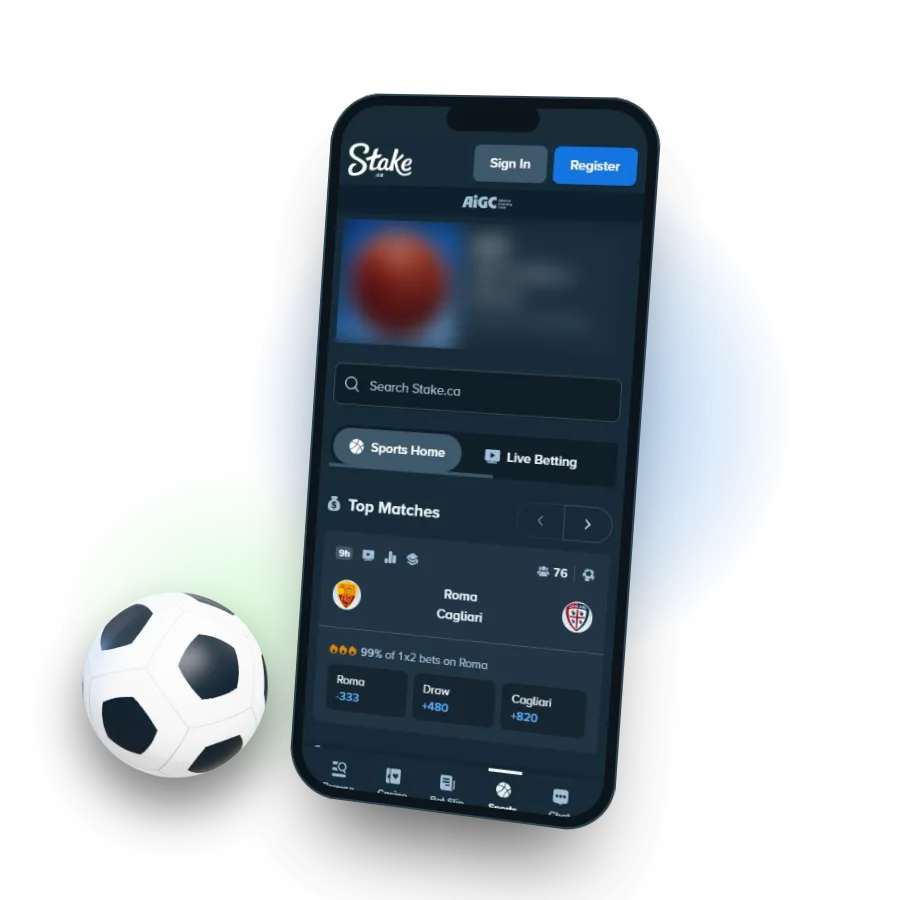
The sportsbook section provides daily access to odds across many events. Players discover many betting markets inside the Stake betting app Alberta every single day. The application updates live lines fast while matches take place on the field. Players place simple single tickets or build bigger parlays directly inside the mobile bet slip.
- Hockey, including the NHL;
- Football;
- Basketball;
- Baseball;
- Tennis;
- Golf;
- MMA;
- Motor Racing;
- Esports: Counter-Strike 2, League of Legends, Valorant.
The full line covers 24 sports and 3 esports, with Same Game Parlay and Cash Out where available — more on the sports betting in Alberta page.
Casino Games In The Stake App
The casino lobby contains real money titles from licensed developers. Players switch between different game styles directly from the bottom navigation bar. The Stake casino app Canada loads reels and card tables directly inside the mobile phone screen. Every title features clear rules. Players adjust the bet size before each round to keep the budget balanced; most games start at C$0.10–0.20 a bet.
- Slots and Only on Stake titles;
- Live dealer tables;
- Game shows;
- Burst Games such as Mines, Dice and Limbo.
Game groups are on the online casino in Alberta page; help is on the customer support page. If gambling stops being fun, GameSense Alberta (1-833-447-7523) and the AHS Addiction Helpline (1-866-332-2322, 24/7) can help. Limits and self-exclusion are covered in the responsible gambling tools section.
Frequently asked questions
Fast answers on installing and using the web app.
Is the Stake app free to install?
The web application costs zero dollars to install on the phone. The web app is installed from the browser; it is not listed in the App Store or Google Play. Browser menus create the screen icon in seconds without extra fees.
Does the Stake app work outside Alberta?
The bookmaker operates strictly under provincial rules and an AGLC registration. The application checks the device location through the browser before play, and real bets stop working immediately past the provincial border.
Which games are available in the Stake mobile app?
Slots, live dealer blackjack and other tables, game shows and Burst Games sit inside the mobile lobby. The full sportsbook lists odds on hockey, football and baseball matches every single day, across 24 sports and 3 esports.
How is the Stake application protected?
The application protects personal details with modern encryption standards. The operator holds an AGLC registration (No. 121902) in Alberta. Strong passwords, 2FA codes and passkeys with biometric sign-in protect individual profiles.
Can gambling limits be set directly in the app?
Account controls sit right inside the mobile settings menu. The application offers deposit, loss, wager and session time limits, plus Break in Play. Lowering a limit takes effect at once; raising or removing one takes 24 hours.
Does the web app support face or fingerprint sign-in?
Yes, through passkeys added in Settings → Security.